Compress videos.
MP4, MOV & WebM compressed on-device — nothing uploaded.
Drop video files here
or browse your files
Paste with ⌘V · or drop files anywhere on the page
Files never leave your device. Everything runs in your browser, nothing touches a server — tools you've used even work offline.
Compress and convert videos entirely in your browser — nothing is uploaded, so it’s fast and private. Drop an MP4, MOV, WebM, or MKV, pick a quality or name a target size like 25 MB, and export as MP4 for universal playback or WebM for smaller files. Audio is kept untouched whenever the format allows. Your videos never leave your device — and there is no watermark, no ad break and no premium tier.
Before / after

Original
40.2 MB
Compressed
10.3 MB
Saved
−74%
The clip above is a real second run through the same tool — quality 50 plus a 640 px resize: 40.2 MB → 770.8 KB, playing exactly as the tool wrote it.
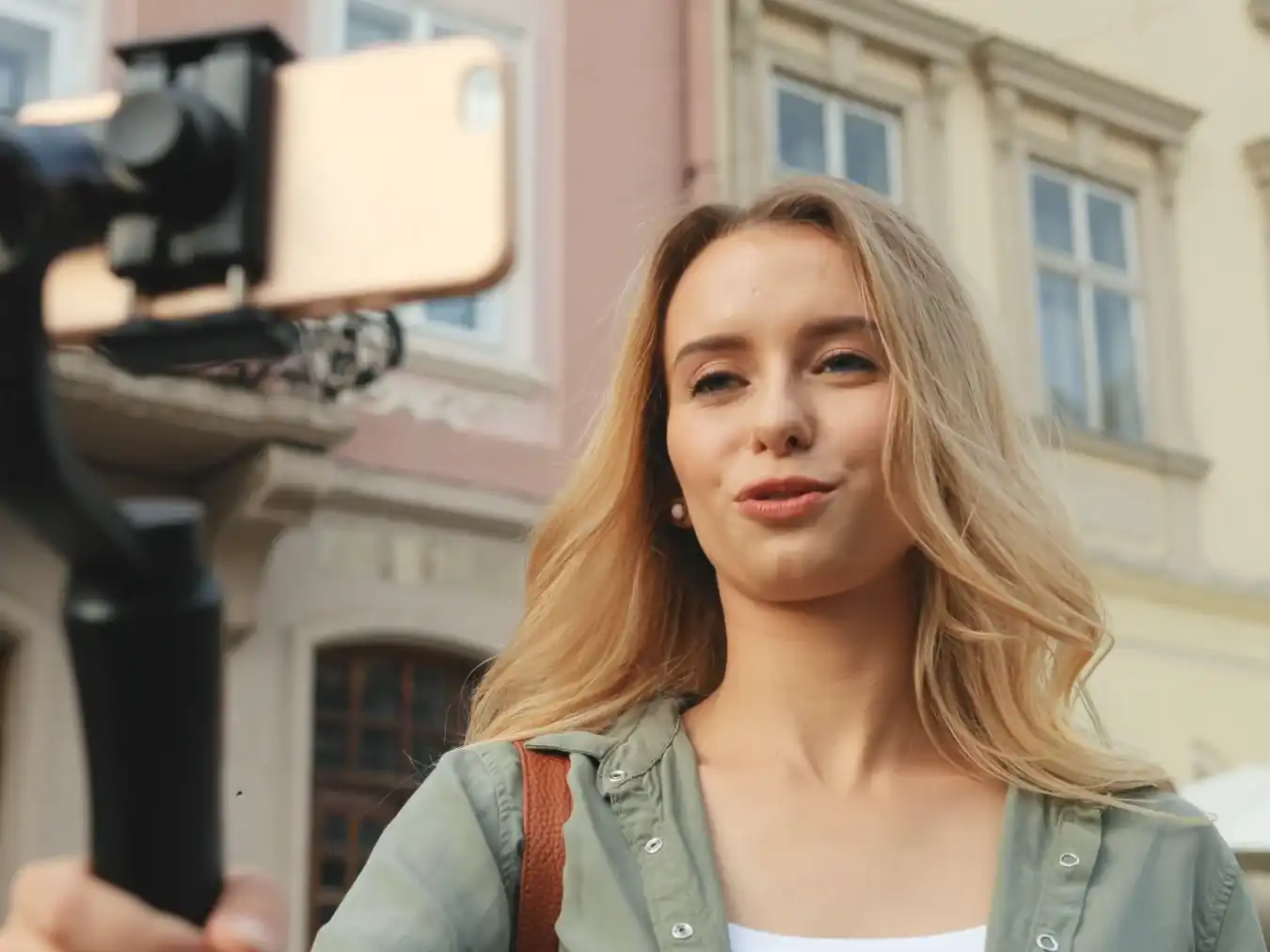
Real result, not a mock-up: this 3840 × 2024 (4K), 13.3-second MP4 clip went through the Compress MP4 tool — H.264 via WebCodecs, the encoder built into your browser, at quality 75 with a 1920 px cap, the guide's own website preset — and dropped from 40.2 MB to 10.3 MB. The slider compares the same frame of both files, 6.3 seconds in: the original at native 4K, the compressed clip scaled back up for like-for-like framing, so the slight softness you can find is the real cost of the 1080p trade. Quality 75 maps to a bitrate matched to the new resolution; the byte counts refer to the complete clips. Press play below to watch the result in motion — or drop the same video in yourself and you'll get the same number.
Video via Magnific .
How it works
- Drop files anywhere on the page, click to browse, or paste with ⌘V.
- Pick a quality or preset — or set an exact target size and let the tool find it.
- Compress, compare before/after, and download — individually or as a ZIP.
Platform size limits (as of 2026)
Most upload failures are size caps in disguise. Target-size mode exists exactly for this — enter the number below and let the tool do the math.
| Destination | Limit | What to enter |
|---|---|---|
| Email (Gmail, iCloud, most providers) | 25 MB encoded | 19 MB — transport encoding adds ~33% |
| Discord (free) | 10 MB | 10 MB |
| Discord (Nitro Basic / Nitro) | 50 / 500 MB | 50 or 500 MB |
| Typical web forms & CMSes | 25–100 MB | Check the form, then enter it |
MP4 or WebM?
MP4 with H.264 is the universal answer — it plays on every phone, TV, editor and platform, which is why it is the default here. WebM with VP9 typically lands noticeably smaller at the same visual quality, but Apple devices handle it poorly. Rule of thumb: sharing with people → MP4; embedding on your own website → WebM — the MP4 to WebM converter is preset for exactly that move.
Where the big savings hide
Resolution and frame rate move more megabytes than quality sliders. Downscaling 4K to 1080p — or 1080p to 720p — roughly halves the size before compression even starts trying; capping 60 fps screen recordings to 30 fps saves another large slice with no visible cost for talking-head or screen content. Combine both with a modest quality and even long clips fit under email limits. iPhone footage usually arrives as MOV — MOV to MP4 converts and shrinks it in one pass, and plain MP4 files have a dedicated Compress MP4 page.
Under the hood
Encoding runs on WebCodecs — the hardware H.264/VP9 encoder already built into your browser — orchestrated by mediabunny, which handles the container work of reading and writing MP4, MOV and WebM. The same silicon that records your screen does the compression, which is why there is no upload, no queue, and no watermark — and why even long clips convert at full speed.
Frequently asked questions
Is it safe to compress private videos here?
Yes. Conversion runs on your own device using your browser’s built-in video engine — videos are never uploaded, and the server only ever delivers this page. Close the tab and everything is gone. Want proof? Compress one video, switch your connection off, and compress another — it still works.
How do I get a video under 10 MB for Discord or 25 MB for email?
Switch to target-size mode and enter the limit. The tool works out the settings that land under it, converts, and verifies the result — ideal for Discord’s 10 MB free cap or email attachments.
Which formats can I convert?
Anything your browser can play: MP4, MOV, WebM and MKV — including footage from phones, cameras and screen recorders. Output is MP4 (H.264), the format that plays everywhere, or WebM (VP9), which is usually smaller.
Why do iPhone videos look slightly different after compressing?
Recent iPhones record HDR video. Browsers encode to standard SDR, so very bright highlights and saturated colors can shift — the tool warns you when this applies. Detail and sharpness are unaffected.