Compress GIFs.
Shrink GIFs in your browser — they stay animated & local.
Drop GIF files here
or browse your files
Paste with ⌘V · or drop files anywhere on the page
Files never leave your device. Everything runs in your browser, nothing touches a server — tools you've used even work offline.
Compress animated GIFs entirely in your browser. Animations stay animated — frames are optimized, colors reduced, and you can resize or aim for a target size. Nothing is uploaded — GIFs never leave your device.
Before / after
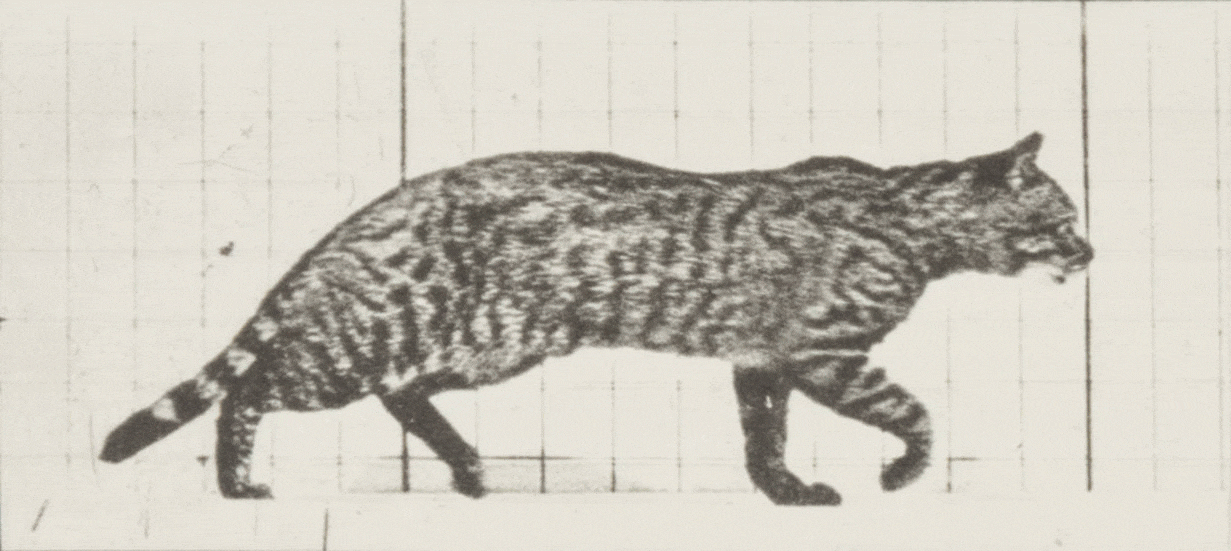
Original
6.4 MB
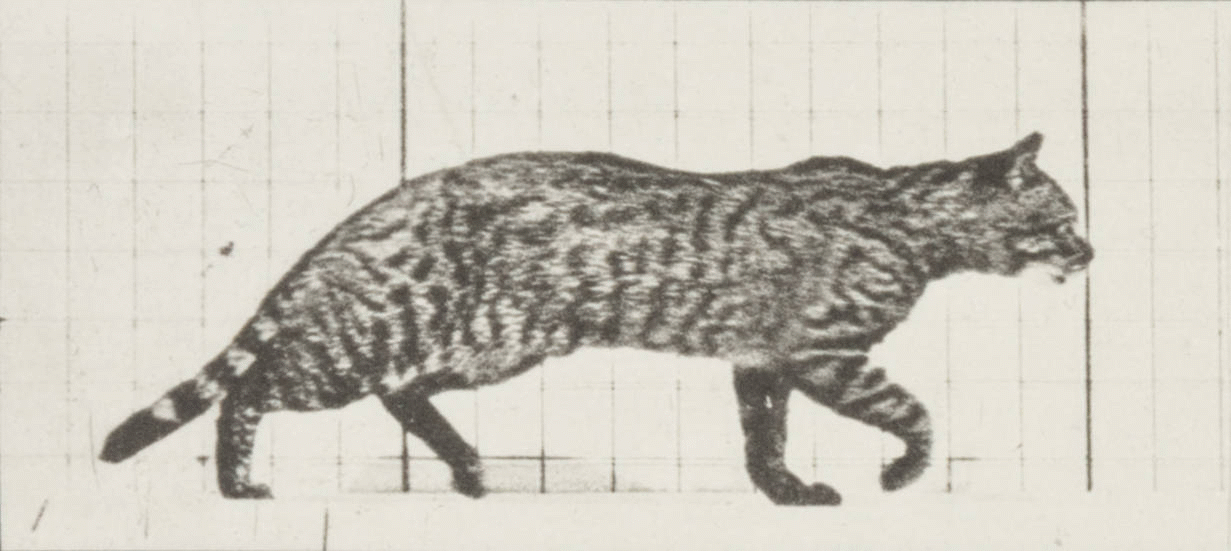
Compressed
1.9 MB
Saved
−69%
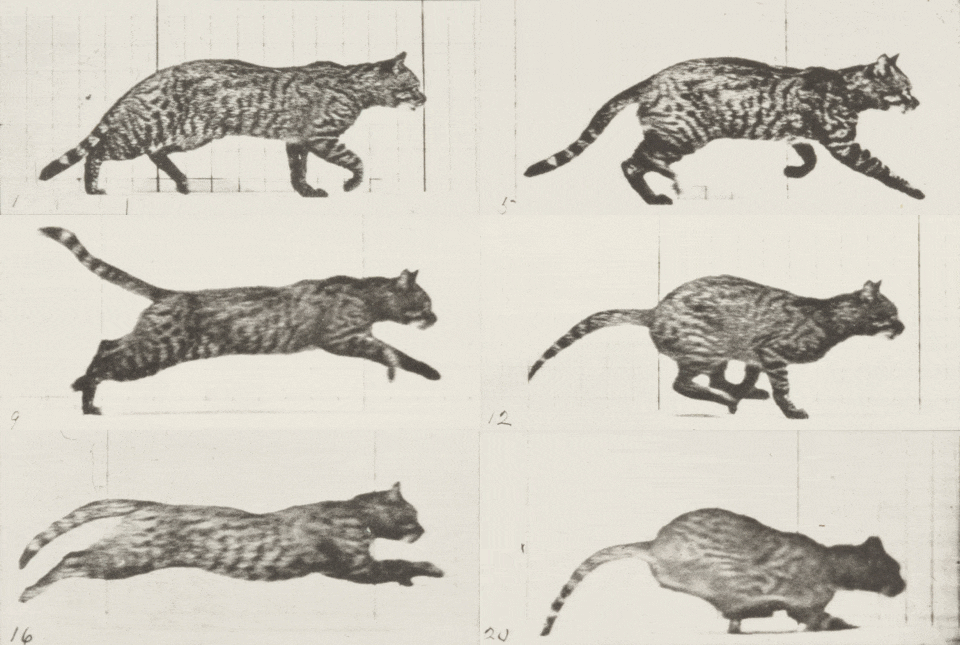
The animation above is a real second run through the same tool — quality 80 plus a 480 px resize: 6.4 MB → 342.7 KB, playing exactly as the tool wrote it.
Real result, not a mock-up: this 1231 × 551 animated GIF (20 frames) went through the Compress GIF tool — gifsicle at quality 80 — and dropped from 6.4 MB to 1.9 MB. The slider compares the first frame of both files, delivered losslessly, so the palette change is exactly what the tool produced; the byte counts refer to the complete animations.
Animation by Eadweard Muybridge — public domain.
How it works
- Drop files anywhere on the page, click to browse, or paste with ⌘V.
- Pick a quality or preset — or set an exact target size and let the tool find it.
- Compress, compare before/after, and download — individually or as a ZIP.
Why GIFs are huge
GIF predates modern video: every frame is stored as a full picture with no motion compression, and colors cap at 256. The tool attacks what it can — dropping duplicate frames, cropping unchanged regions, tightening palettes — but a GIF stays an order of magnitude heavier than the same clip as MP4.
Settings that matter
| Lever | Effect |
|---|---|
| Quality slider | Lossy re-encode and tighter palette — the biggest win |
| Max dimension | Halving dimensions roughly quarters the file |
| Shorter clip | Fewer frames — trim before converting if you can |
Or stop using GIF
If the destination plays video, convert instead of compressing: the GIF to MP4 converter produces a silent clip that is usually 90% smaller and looks better. Keep GIF for the places that genuinely require it — READMEs, docs and pickers that reject video files.
Under the hood
GIF optimization here runs on gifsicle — the canonical GIF tool since the 1990s, the one nearly every optimizer wraps — compiled to WebAssembly so it works entirely in your browser. Frame-level tricks are its specialty: dropping duplicate frames, storing only the pixels that change, and tightening color palettes. Decades of GIF-specific engineering, applied without your animation ever leaving your device.
Frequently asked questions
Is it safe to compress private GIFs here?
Yes. The pixels are decoded and re-encoded right in your browser — images are never uploaded, and the server does nothing but deliver this page. Close the tab and no trace of your photos remains. Want proof? Run one file through, switch your connection off, and run another — it still works.
Will my GIF stay animated?
Yes — the animation is optimized in place (duplicate frames, color palette) without being flattened to a single frame.
How does GIF compression actually shrink the file?
Mostly by reducing colors and storing only what changes between frames. Lower quality means fewer colors; resizing the GIF shrinks it further.
Can I target an exact file size?
Yes — target-size mode tries increasingly strong settings until the GIF fits under your limit.