Compress EPUB e-books.
Lighter e-books, same text — shrunk on your own device.
Drop EPUB, CBZ or CBR files here
or browse your files
Paste with ⌘V · or drop files anywhere on the page
Files never leave your device. Everything runs in your browser, nothing touches a server — tools you've used even work offline.
Compress EPUB e-books entirely in your browser — only the images inside are re-encoded; every word, style and page break stays byte-identical. Drop the .epub files, pick a quality, and download lighter books that read exactly the same. Nothing is uploaded.
Before / after
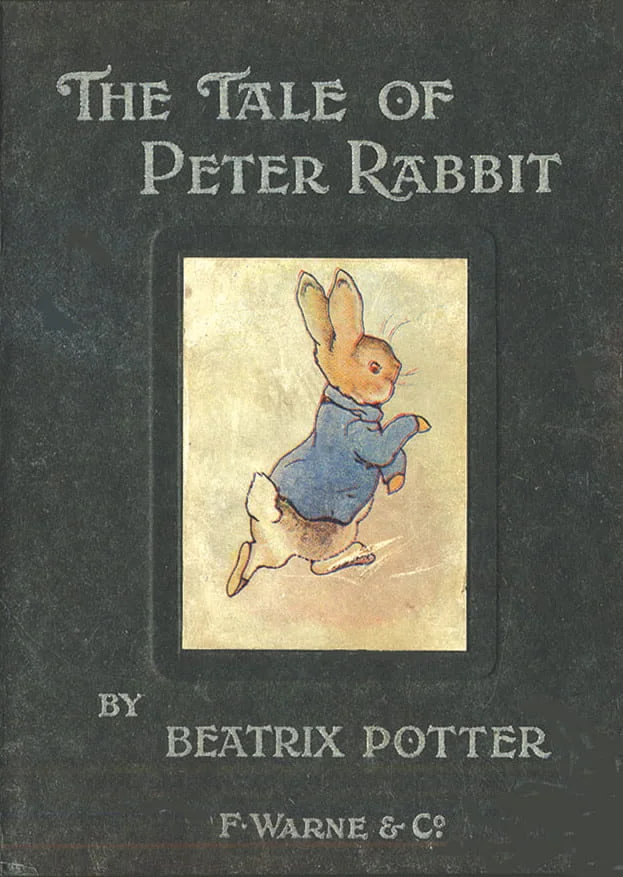
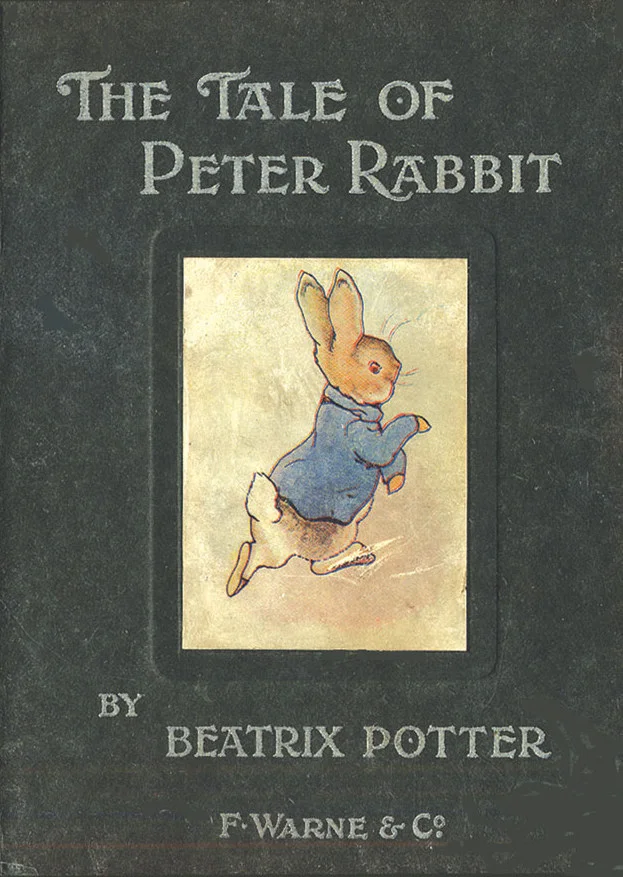
Original
1.5 MB
Compressed
1.2 MB
Saved
−23%
Real result, not a mock-up: this illustrated children's classic — 1.5 MB with 29 of Beatrix Potter's watercolours, as it left Project Gutenberg — went through the Compress EPUB tool — MozJPEG and OxiPNG, the same engines as the image tabs, re-encoding every image while the container is rebuilt locally — and came out at 1.2 MB. What you're dragging is the same plate from inside both books, shown 1:1; the text is carried over byte-identical, and the byte counts refer to the complete files. A Gutenberg production is already optimized and still dropped 23% — a typical export or DRM-free purchase has far more to give.
Book by Beatrix Potter — public domain.
How it works
- Drop files anywhere on the page, click to browse, or paste with ⌘V.
- Pick a quality or preset — or set an exact target size and let the tool find it.
- Compress, compare before/after, and download — individually or as a ZIP.
Where the weight in an EPUB lives
The text of a novel is a few hundred kilobytes; the covers, illustrations and publisher logos around it are usually the other 90%. This tool opens the EPUB, re-encodes each raster image in its own format at your chosen quality — JPEG stays JPEG, PNG stays PNG, transparency included — and repacks the book. Any image that would come out bigger is kept untouched, so a run can only ever help. An optional size cap downscales oversized images to e-reader resolution for the biggest wins.
What never changes
Chapters, styles, fonts, metadata and reading order pass through byte-for-byte, and the EPUB container rules (the mimetype entry first, stored) are preserved — the result opens in every reader the original did. DRM-protected books are refused with a clear message rather than silently corrupted: encrypted content cannot be recompressed. Comics in ZIP form have their own tool — Compress CBZ.
Under the hood
Images are re-encoded by the same engines as the image tabs — MozJPEG for JPEGs, OxiPNG with palette quantization for PNGs, libwebp for WebP — all compiled to WebAssembly and running in workers on your device. The container is unpacked and rebuilt locally too, so the book never leaves your browser: no queue, no server, no copy of your library anywhere.
Frequently asked questions
Will the book look or read differently?
The text will not change at all — it is carried over byte-identical. Images are re-encoded at your chosen quality; at the default the difference is hard to spot, and any image that would grow is kept as-is.
Why was my EPUB refused?
It is DRM-protected (META-INF/encryption.xml with real encryption). Recompressing encrypted content would corrupt the book, so the tool refuses instead. Books whose fonts are merely obfuscated — an InDesign habit — are fine and convert normally.
How much smaller do books get?
Image-heavy books routinely drop 30–60%; text-only novels have little to give. The per-image guard means the output is never bigger than the input.
Is it private?
Yes. Archives are built and converted entirely in your browser — neither the archive nor the files inside it are ever uploaded, and any password you set is applied locally. The server does nothing but deliver this page. Want proof? Run one file through, switch your connection off, and run another — it still works.