Compress WebP images.
Still or animated — re-encoded locally, never uploaded.
Drop WebP files here
or browse your files
Paste with ⌘V · or drop files anywhere on the page
Files never leave your device. Everything runs in your browser, nothing touches a server — tools you've used even work offline.
Compress WebP images — including animated ones — right here in your browser. Lower the quality, hit a target size, resize, or convert to JPG or PNG. Nothing is uploaded — files never leave your device.
Before / after
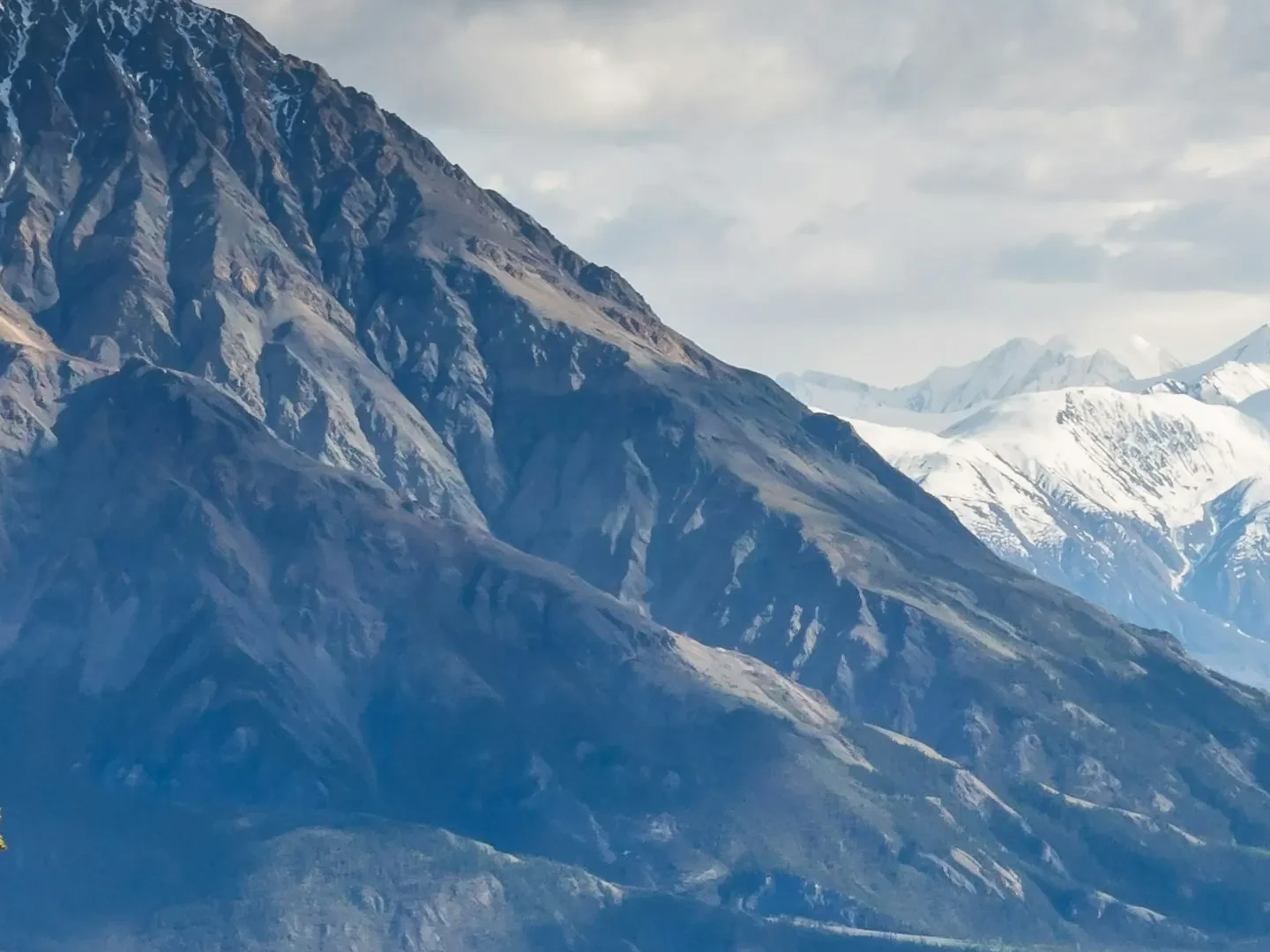
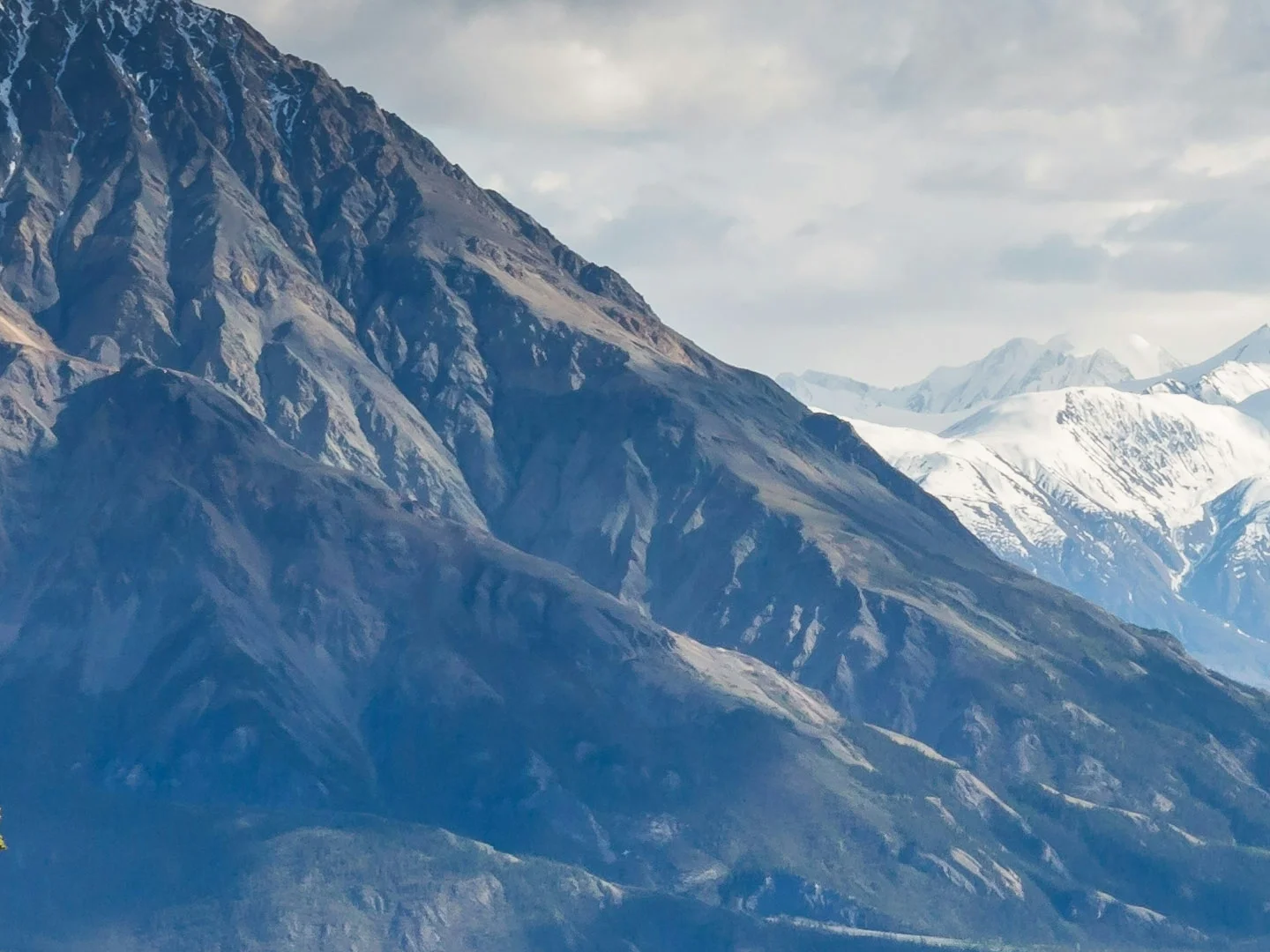
Original
5.1 MB
Compressed
1.6 MB
Saved
−68%
Real result, not a mock-up: this 22-megapixel WebP photo went through the Compress WebP tool — libwebp, Google's reference encoder, at quality 75 — and dropped from 5.1 MB to 1.6 MB. What you're dragging is a 100% detail crop of both files, delivered as WebP; the byte counts refer to the complete files. Drop the same photo in yourself and you'll get the same number.
Photo by Kalen Emsley on Unsplash.
How it works
- Drop files anywhere on the page, click to browse, or paste with ⌘V.
- Pick a quality or preset — or set an exact target size and let the tool find it.
- Compress, compare before/after, and download — individually or as a ZIP.
Still and animated WebP
The tool handles both: still WebP is re-encoded at maximum effort, and animated WebP is processed frame by frame with timing preserved. Quality 100 switches to lossless mode — pixels survive exactly, which matters for graphics; anything lower is lossy and tuned for photos.
Quality guide
| Use | Quality |
|---|---|
| Web photos | 75 |
| Graphics with sharp edges | 85–90 |
| Chat stickers & previews | 60 |
| Pixel-perfect graphics | 100 (lossless) |
WebP vs JPG vs AVIF
WebP typically lands 25–35% under JPG at matched quality and supports transparency and animation, which JPG can’t. AVIF squeezes photos harder still but takes longer and enjoys less support in older software. The Auto format on this tab tries each format per image and keeps the smallest result, so you rarely have to choose by hand. And when a file must open outside the web — older editors, upload forms — WebP to JPG makes it universal.
Under the hood
Every WebP on this page is encoded by libwebp — Google’s reference encoder, the same code that defines the format — compiled to WebAssembly and running entirely on your device. That matters at the edges: quality 100 engages libwebp’s true lossless mode, not a high-quality approximation, so pixel-perfect graphics come out bit-exact while everything below stays tuned for photos.
Frequently asked questions
Is it safe to compress private images here?
Yes. The pixels are decoded and re-encoded right in your browser — images are never uploaded, and the server does nothing but deliver this page. Close the tab and no trace of your photos remains. Want proof? Run one file through, switch your connection off, and run another — it still works. Compressing also strips hidden metadata — EXIF, GPS location and camera details never reach the output.
Do animated WebP files stay animated?
Yes — animated WebP is re-encoded frame by frame and stays animated. Resizing works on animations too.
Can I convert JPG or PNG to WebP?
Yes. Drop a JPG or PNG on its tab and pick WebP as the output format — WebP is typically 25–35% smaller than JPG at the same visual quality.
Can I target an exact file size?
Yes — switch to target-size mode and the tool finds the highest quality that fits under your limit.