Convert WebP to JPG.
WebP to JPG re-encoded locally — nothing ever uploaded.
Drop WebP files here
or browse your files
Paste with ⌘V · or drop files anywhere on the page
Files never leave your device. Everything runs in your browser, nothing touches a server — tools you've used even work offline.
Convert WebP images to JPG right in your browser — nothing is uploaded, files never leave your device. Handy for images saved from the web that older apps and upload forms refuse. Animated WebP converts to a single frame; transparency is flattened onto white. Batch-convert and grab everything as a ZIP.
Before / after
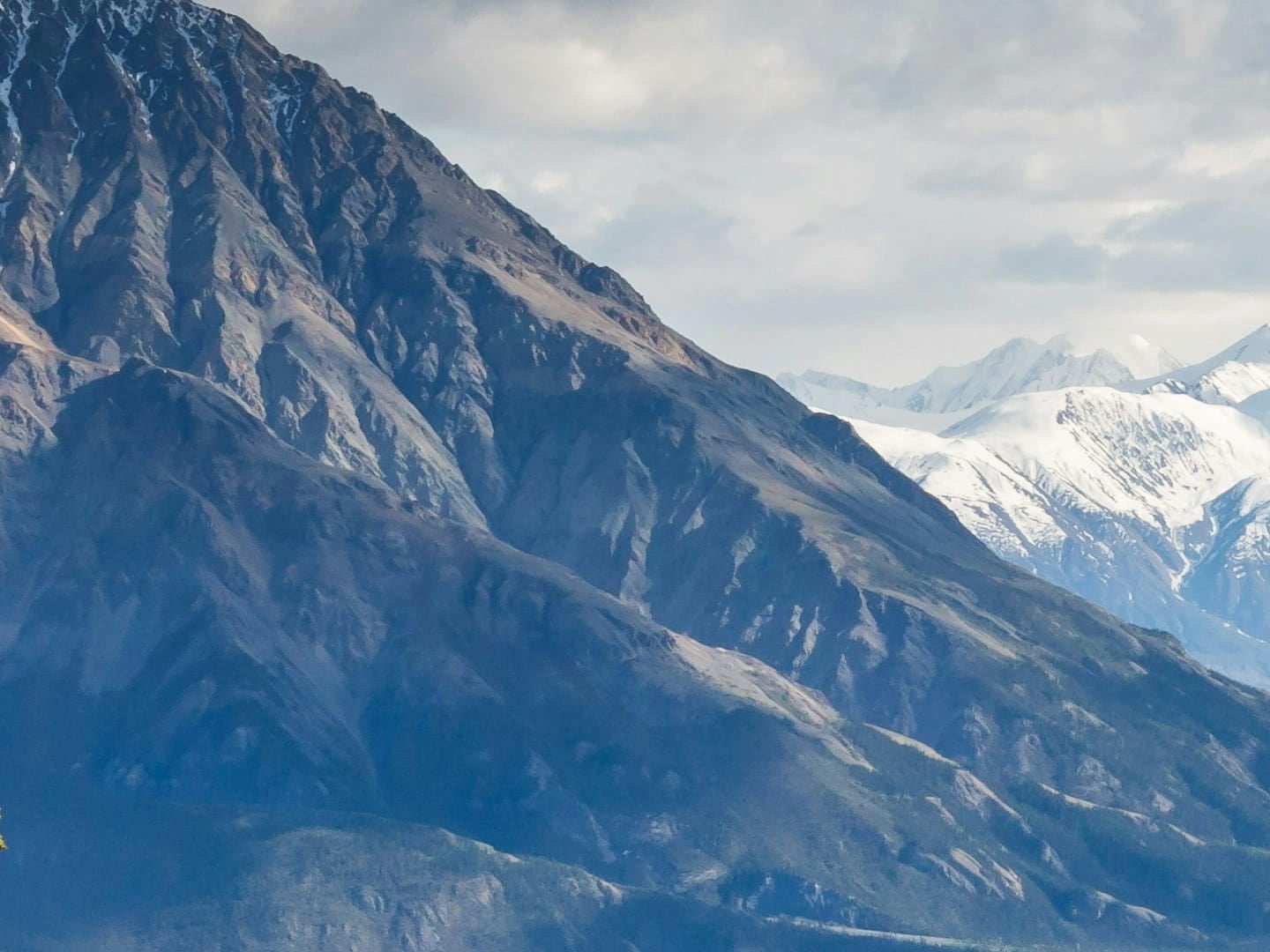
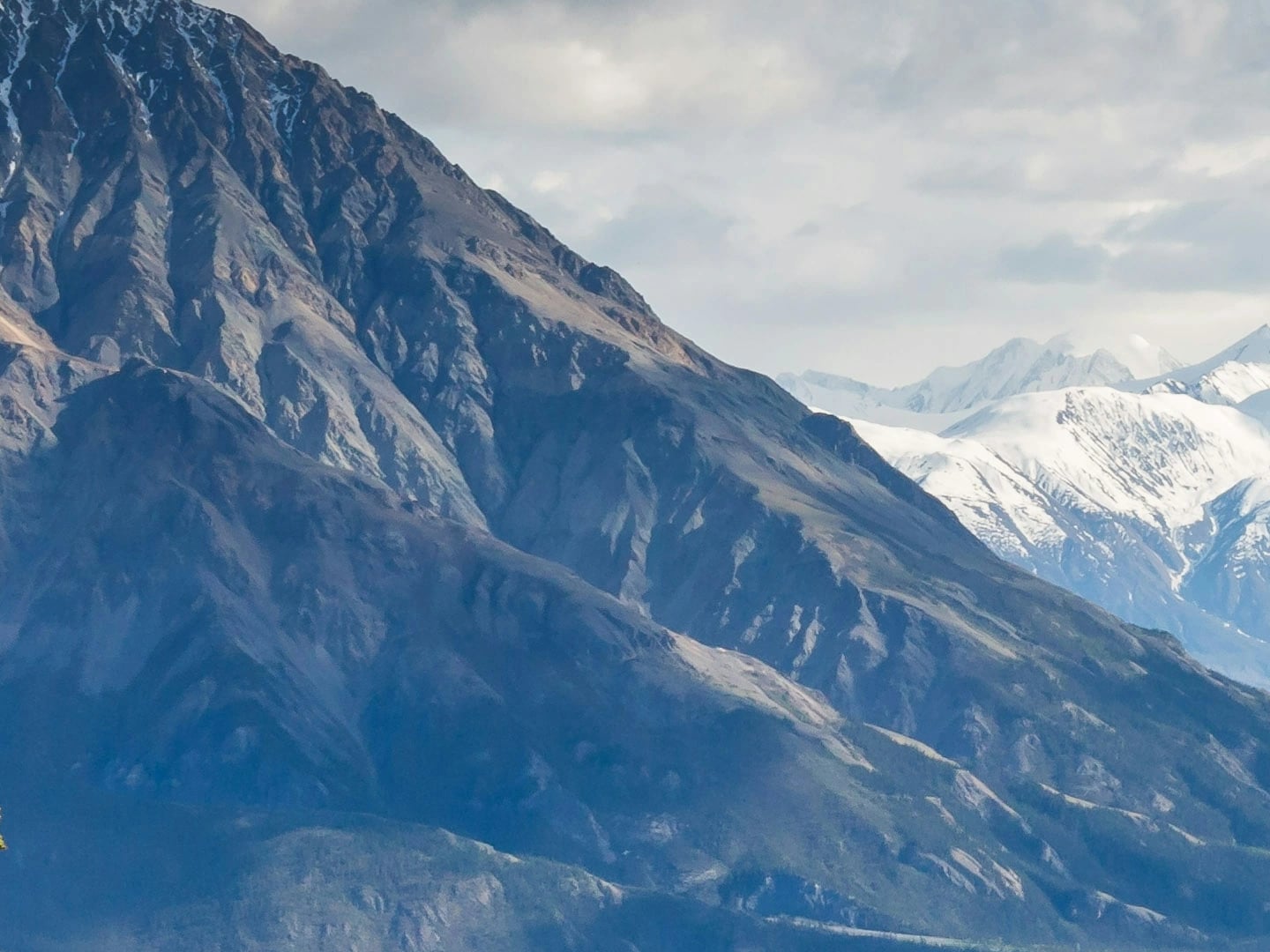
Format
WEBP → JPG
Size
5.1 MB → 2.8 MB
Opens
Everywhere
Real result, not a mock-up: this 22-megapixel WebP went through the WebP to JPG converter — MozJPEG at quality 80 — and came out as a JPG that opens absolutely everywhere: 5.1 MB (WebP) in, 2.8 MB (JPG) out. A 22-megapixel JPG legitimately spends more bytes than the lossy WebP it came from — this trip buys compatibility, not size. The slider is a 100% detail crop of both files; the byte counts refer to the complete files.
Photo by Kalen Emsley on Unsplash.
How it works
- Drop files anywhere on the page, click to browse, or paste with ⌘V.
- Pick a quality or preset — or set an exact target size and let the tool find it.
- Compress, compare before/after, and download — individually or as a ZIP.
Why convert WebP to JPG
WebP is everywhere on the modern web, but the long tail of software lags: older photo editors, office suites, e-commerce and government upload forms, embedded viewers. JPG opens in all of them. Converting locally means the picture itself never goes anywhere — only the file format changes.
Transparency and animation
JPG supports neither. Transparent regions are flattened onto white during conversion — fine for photos, visible on logos, where WebP to PNG is the better route. Animated WebP keeps only its first frame as JPG; convert animations to GIF or video instead.
Quality picks
| Use | Quality |
|---|---|
| General sharing | 80 |
| Upload forms with size caps | Target size — type the cap |
| Archival copy | 90–95 |
Under the hood
The JPG side is encoded by MozJPEG — Mozilla’s tuned encoder, the same one the compressor pages run — compiled to WebAssembly and running on your device. The WebP decode happens right in the browser, so the whole trip is local from first byte to last.
Frequently asked questions
Why convert WebP to JPG?
WebP is everywhere on the web but not everywhere else — older photo editors, Office documents, and plenty of upload forms still expect JPG. Converting makes the image universally usable.
What happens to transparent areas?
JPG cannot store transparency, so transparent pixels are flattened onto a white background. If you need transparency, convert to PNG instead — that tool is one tab away.
Can I convert many WebP files at once?
Yes — drop a whole batch, convert in one run, and download all results as a single ZIP.
Are my images uploaded during conversion?
No — the pixels never leave your machine. Decoding and re-encoding both happen in your browser; there is no upload to wait for and no server-side copy to worry about afterwards. Want proof? Run one file through, switch your connection off, and run another — it still works.