Convert PNG to WebP.
PNG to WebP with transparency kept — converted locally.
Drop PNG files here
or browse your files
Paste with ⌘V · or drop files anywhere on the page
Files never leave your device. Everything runs in your browser, nothing touches a server — tools you've used even work offline.
Convert PNG images to WebP entirely in your browser — processed on your device, never uploaded. Unlike JPG, WebP keeps transparency fully intact, so logos, UI graphics, and stickers stay see-through while shrinking dramatically. Pick a quality or a target size, convert in batches, and download a ZIP.
Before / after

Original
2.4 MB
Compressed
198 KB
Saved
−92%
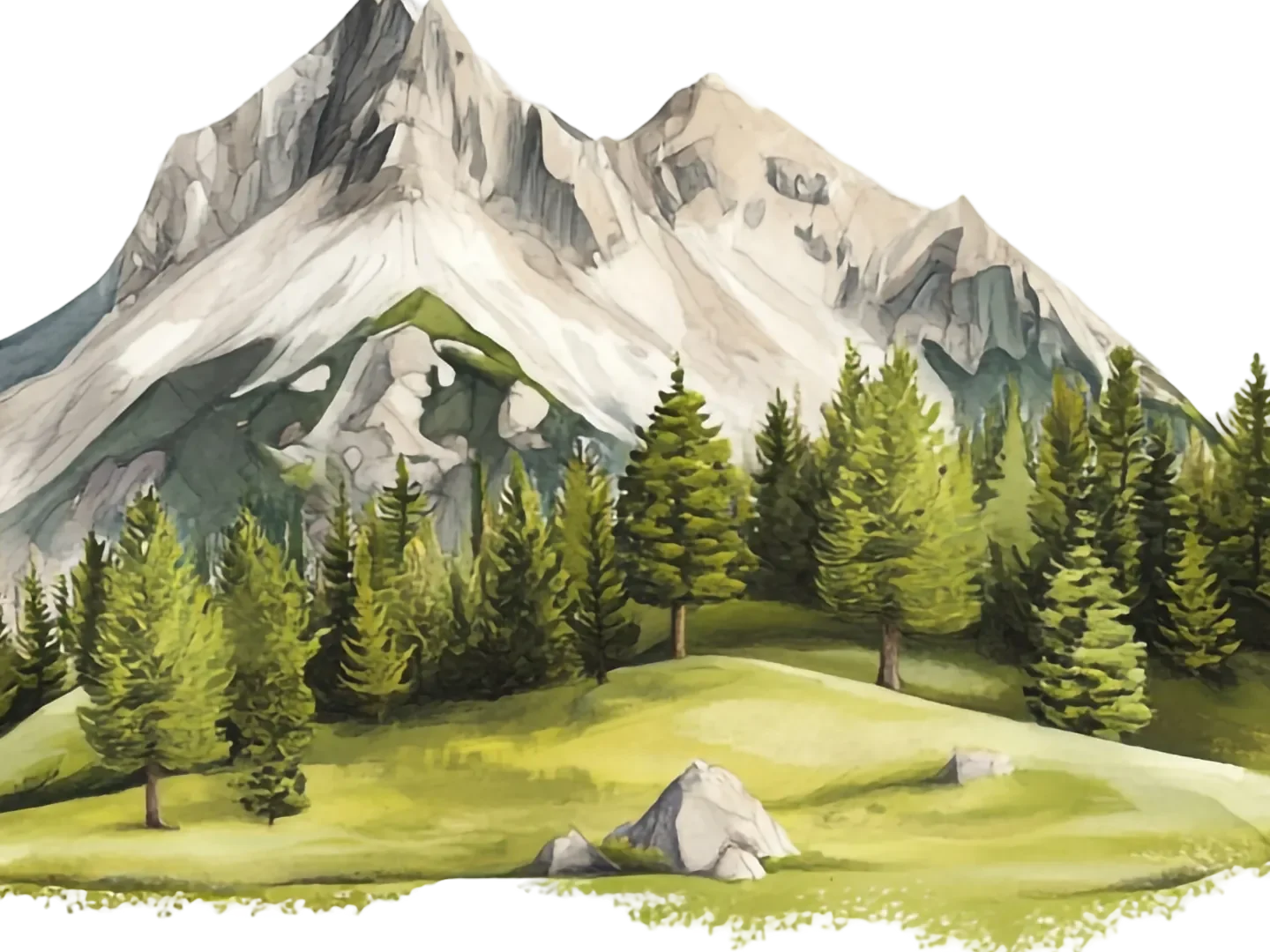
Real result, not a mock-up: this 2417 × 1114 watercolor illustration went through the PNG to WebP converter — libwebp at quality 80 — and dropped from 2.4 MB (PNG) to 198 KB (WebP), with alpha support intact where a PNG carries it. What you're dragging is a 100% detail crop of both files, delivered identically on both sides; the byte counts refer to the complete files.
Artwork via Magnific .
How it works
- Drop files anywhere on the page, click to browse, or paste with ⌘V.
- Pick a quality or preset — or set an exact target size and let the tool find it.
- Compress, compare before/after, and download — individually or as a ZIP.
Transparency without PNG’s weight
PNG pays for lossless perfection in bytes; WebP keeps the see-through parts — logos, UI cutouts, stickers — while compressing the rest like a modern format. Graphics routinely land 60–80% smaller with edges just as clean, which is why WebP replaced PNG as the default graphics format of the web.
Pick the quality by content
Screenshots and UI graphics look identical at quality 80–90; photographic PNGs tolerate less. Quality 100 keeps pixels exact when nothing may shift. And the trip is reversible — WebP to PNG decodes back to lossless PNG whenever an old tool insists on it.
Under the hood
The conversion runs libwebp — Google’s reference encoder for the format — compiled to WebAssembly, on your own device. Transparency survives because the encoder handles the alpha channel natively; nothing is flattened along the way.
Frequently asked questions
Why convert PNG to WebP?
Same image, much smaller file — graphics and screenshots often shrink 60–80%. WebP keeps transparency, so it replaces PNG on the web without visual compromise.
Is transparency preserved?
Yes — WebP fully supports transparency, so nothing is flattened. This is the key difference from converting to JPG.
Lossy or lossless — what am I getting?
The quality slider drives lossy compression, which is what makes files so small; at 90+ it is visually indistinguishable for most graphics. Judge with the built-in before/after compare.
Do my files leave my device?
No — the pixels never leave your machine. Decoding and re-encoding both happen in your browser; there is no upload to wait for and no server-side copy to worry about afterwards. Want proof? Run one file through, switch your connection off, and run another — it still works.